





Vanilla Minecraft has several pets that you can tame and play around with. However, they can only be useful in a handful of ways. Since the game is entirely moddable, the community has created all kinds of pet-related mods. One such mod is called Inventory Pets, which adds unique creatures that can live in your inventory and help with various buffs, status effects, and more.
Here are more details about the Minecraft Inventory Pets mod.
Features and download guide for the Minecraft Inventory Pets mod
What does the Minecraft Inventory Pets mod offer?
Inventory Pets is one of the oldest Minecraft mods in existence. It adds various interactive creatures that can live in your inventory. Essentially, you can store them in your inventory slots in order to get special effects, buffs, utilities, weapons, and item drops from them.
Each pet is an animated item based on certain mobs or blocks in the actual vanilla world. Furthermore, each of them has a unique ability that activates only when it’s placed in a hotbar slot. If you remove a pet from the hotbar or fail to feed it properly, its effect stops until you feed it again.
The inventory pets also have varied functions, like giving potion buff effects and bonus drops. They even have utilitarian features like opening ender chests or placing torches automatically.
Pets can be acquired in two major ways: crafting them with vanilla materials or finding them as chest loot in special dungeons. Since some pets can be crafted using vanilla items, it is best to use the Just Enough Items mod in order to see their crafting recipes.
Dungeon chests can also contain a rare item called the Petrifier, which can turn certain objects into pets if you have the required materials. Each pet will consume a specific food item, which you can store in a Feed Bag (which is a new craftable item).
How to download and install the Minecraft Inventory Pets mod?
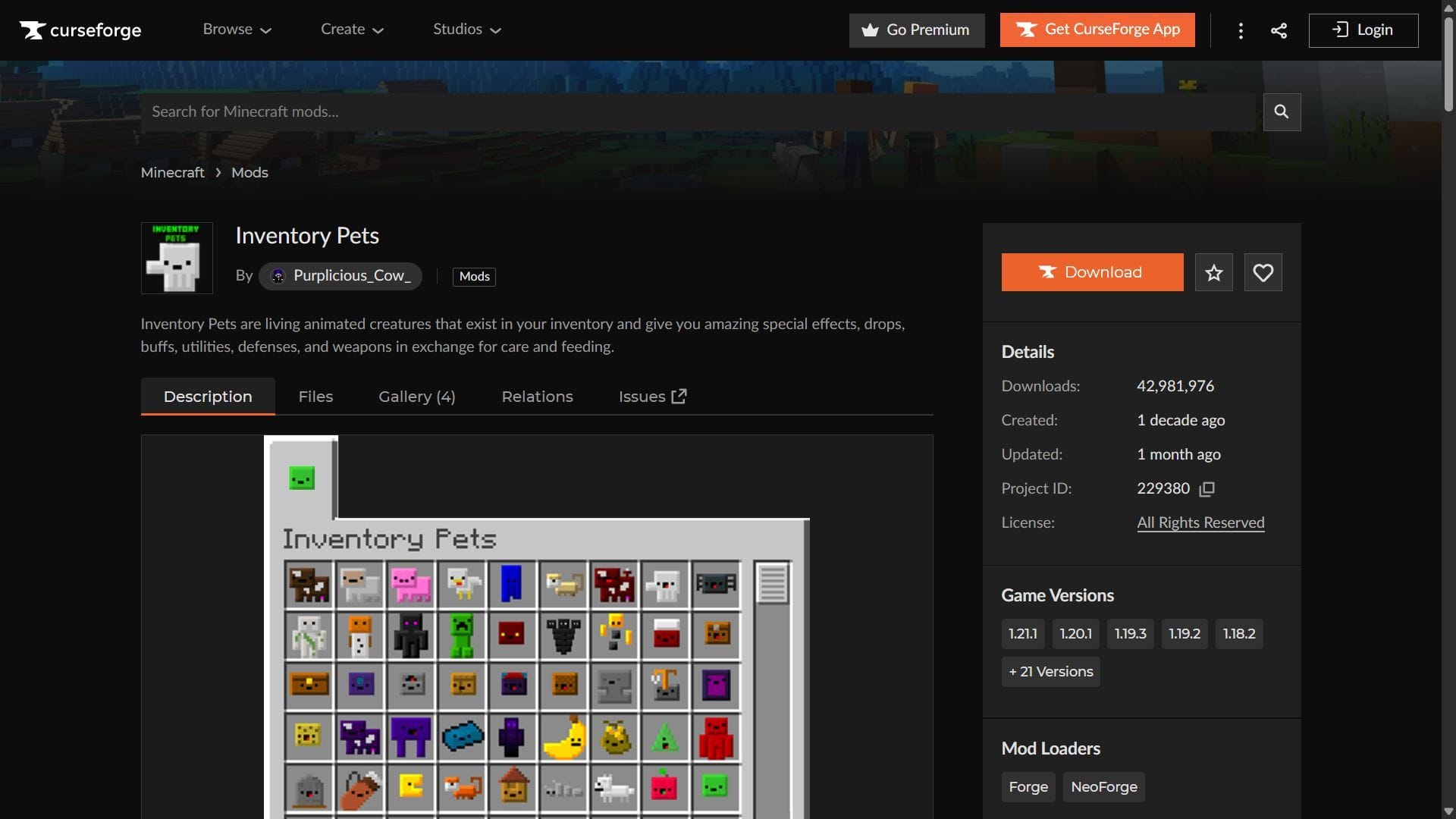
Here is a short guide on downloading and installing the Minecraft Inventory Pets mod:
- Download and install NeoForge for 1.21.1, or Forge for 1.20.1.
- Head to CurseForge and search for the Inventory Pets mod.
- On the mod’s product page, find and download the mod file, which should be compatible with NeoForge 1.21.1 or Forge 1.20.1.
- Copy and paste the mod files into the “mods” folder in the root game directory. For me, it’s C:\Users\admin\AppData\Roaming\.minecraft.
- Open the title’s launcher and find the NeoForge 1.21.1 or Forge 1.20.1 modded game version.
- Open the game, create a new world, and start crafting or finding various inventory pets to help you survive better.
Check out our latest articles on Minecraft:
Edited by Akshat Kabra

